
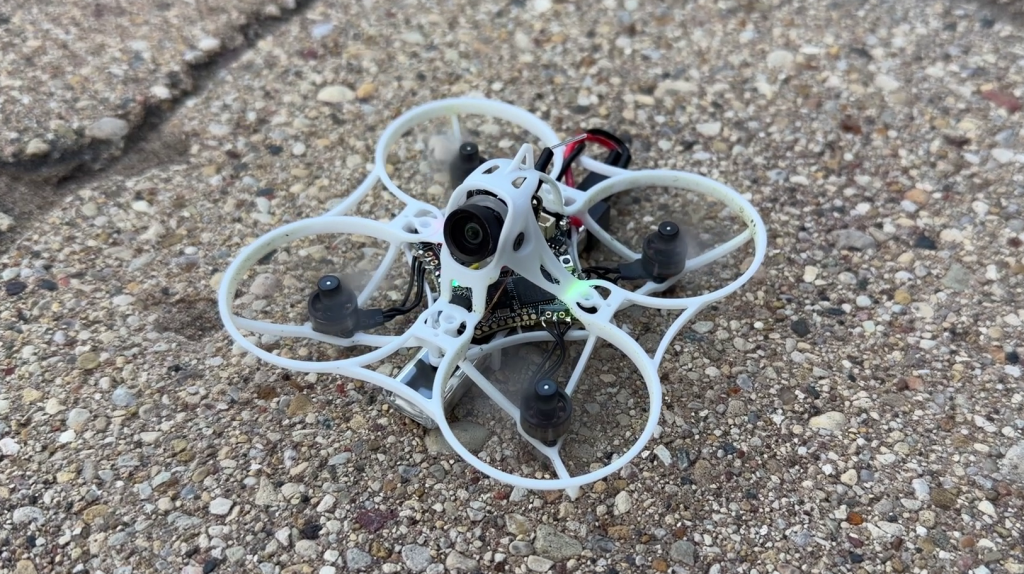
When Nick Burns calls a tiny whoop one of the best he’s flown, I pay attention. After flying the EMAX Tinyhawk Aero, I get the excitement. This 65mm 1S quad is built for racing, but I think the right setup makes it appealing to newer pilots, too.
Small Whoop, Plenty of Choices
My Aero is the 27,000KV Analog version. EMAX also offers 30,000KV Racing and 35,000KV Performance versions, with Analog or HDZero video for each motor option. My version has an E03 camera, a flight controller with a built-in 6A ESC, and a video transmitter that can be set from 25 to 400mW. In back-to-back flying with my BETAFPV Meteor75 Pro, I preferred the Aero’s camera picture.
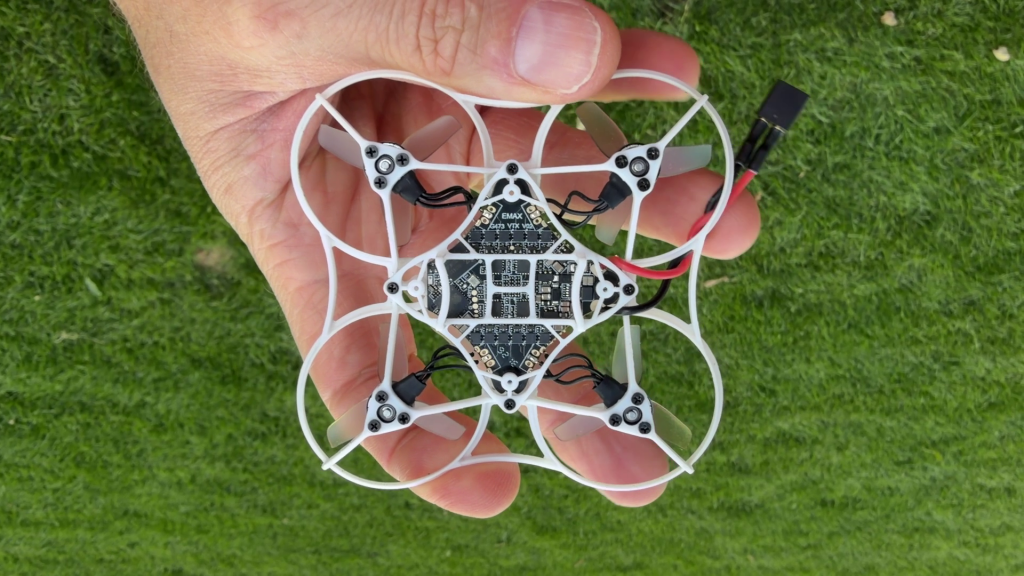
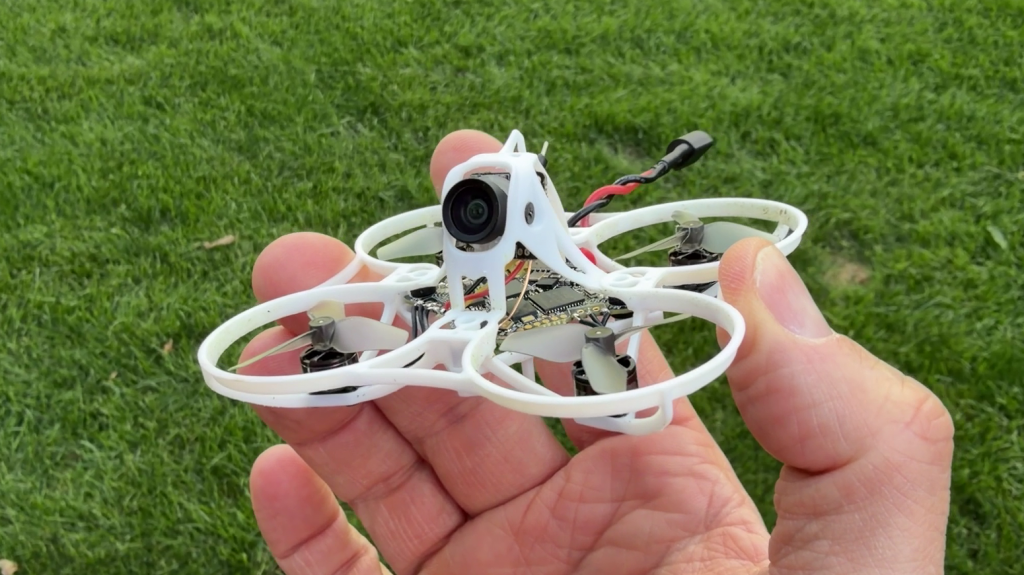
The frame has also handled several crashes well so far. The camera angle is adjustable: I can keep it fairly low while learning a space, then raise it when I want to fly faster. The motors are soldered directly to the board, which saves weight, although replacing one will require soldering.
Flight Time and the EM2.0 Battery
The Aero uses EMAX’s EM2.0 battery connector. I flew with 320mAh packs and got roughly two to two and a half minutes when pushing it hard with the video transmitter at 400mW. Gentler flying and a lower VTX setting can stretch that out. EMAX also sells 270mAh and 300mAh packs if you want to experiment with weight and handling.
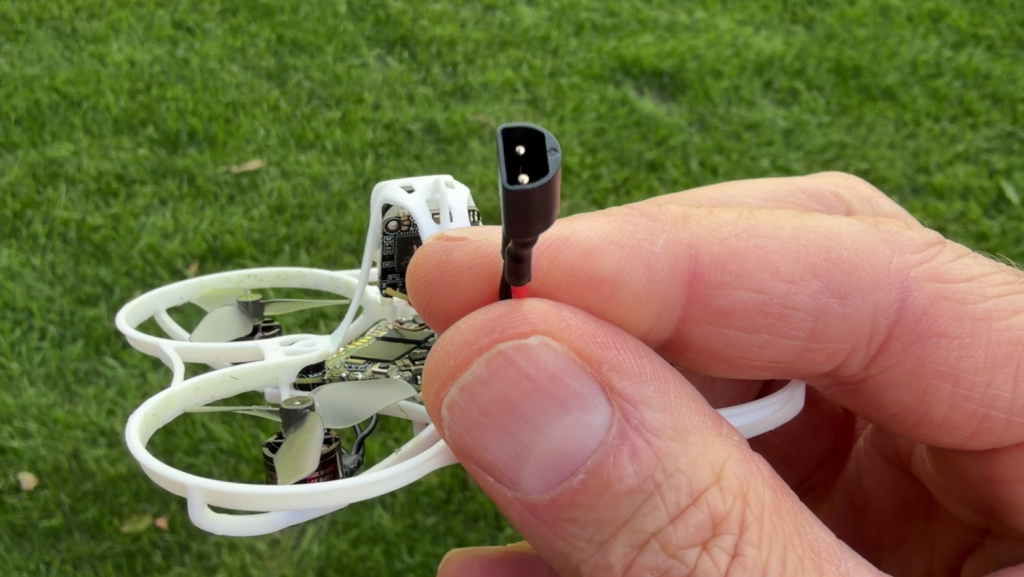
I’m considering swapping mine to BT2.0 because I already own plenty of compatible batteries. EM2.0 works well, though, and EMAX designed its performance testing around that connector. The swap would be a convenience choice for my battery collection.
My Three-Position Throttle Setup
Here’s the trick that makes this racing whoop easier to approach: I set up three rate profiles in Betaflight and assigned them to a three-position switch. High gives me full throttle, medium scales it to 80%, and low scales it to 60%. In the video, I show the rate-profile settings, the Adjustments tab, and how I check that the switch changes profiles.
That doesn’t turn the Aero into a beginner kit, but it gives me a useful way to calm it down for tighter indoor spaces. I can flip the switch back when I want all its power.
Should You Get One?
If you want a lively 65mm whoop with room to grow, the Tinyhawk Aero is worth a look. Just choose the video version that matches your goggles and remember that this bind-and-fly quad does not include a radio, goggles, or flight battery.
Shop the EMAX Tinyhawk Aero here. This is an affiliate link, so I may earn a commission at no extra cost to you.
Would you like to see me convert mine to BT2.0? Let me know in the comments.
Thanks for visiting Half Chrome
Make sure you check out our YouTube channel so you can stay up to date with all things drone. Make sure you subscribe so you don’t miss our new videos and live streams. Whether it is an aerial photography machine from DJI or a lightning-fast FPV racer we have you covered. We also use Facebook, Instagram, and Twitter to keep our readers and viewers up to date. Consider joining our Patreon for sneak peeks and quick communication. Join HERE.
If you want to buy a drone we highly encourage you to use the links in the article above. By using them we’ll make a small commission but won’t cost you anything extra. It is how we are able to keep producing content for you. Check out our shop tab at the top for deals from Amazon, DJI, Banggood, and more.
Make sure you check out some of our more popular pages like Best Drones Now, Aerial Photo Tips, Top Accessories, and All Things FPV. Happy Flying.
Disclosure:
This website contains affiliate links, which means we receive a commission if you make a purchase using these links. For full details visit the disclosures and disclaimers page.